
Get paid online
A Pay online button on every invoice
Connect your Stripe account once. From then on, clients pay from the invoice link or email by FPX online banking, card or GrabPay, and the invoice marks itself paid.
How it works
Set it up from the app. Stripe asks for your business and bank details, the way a bank would.
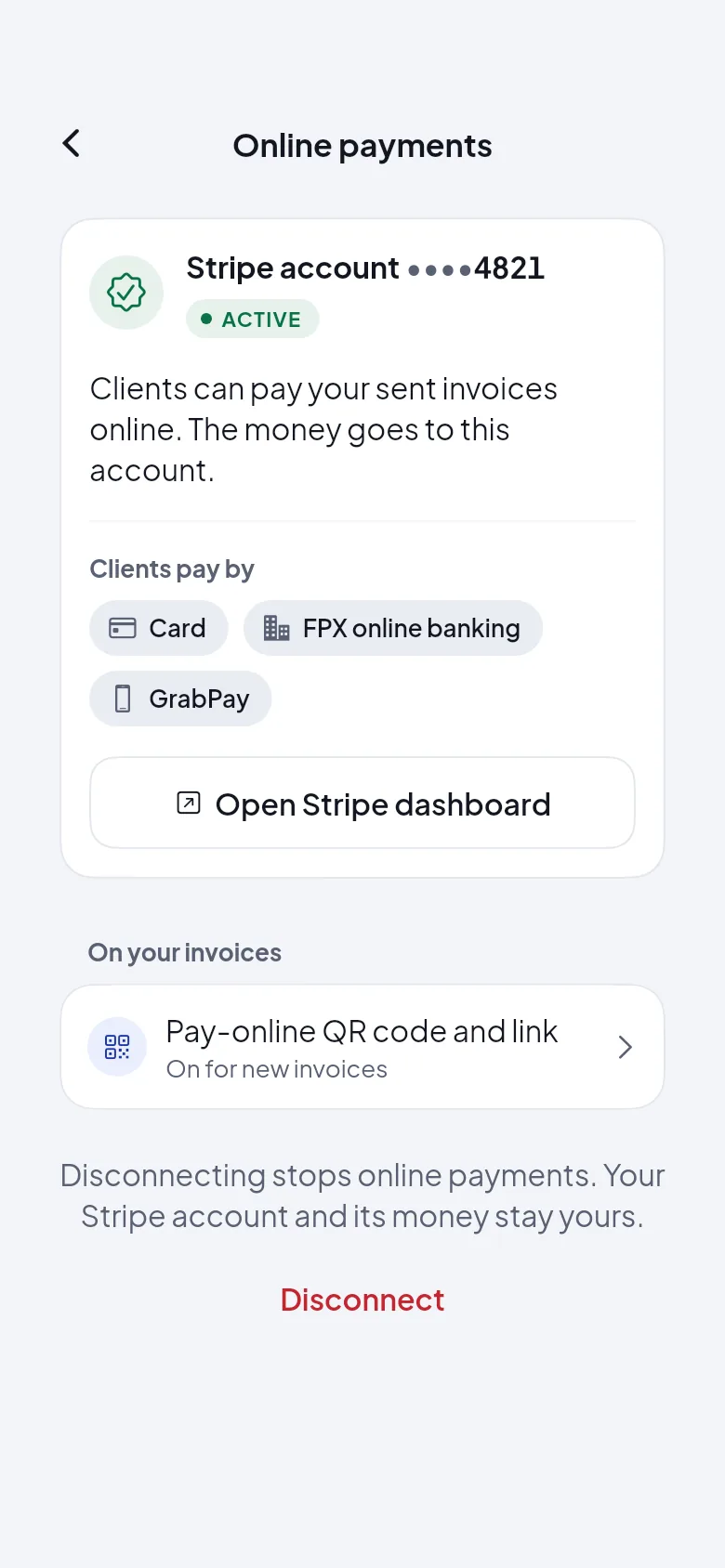
1Connect Stripe
Free to set up. Your payouts go to your own bank account, on Stripe's schedule.
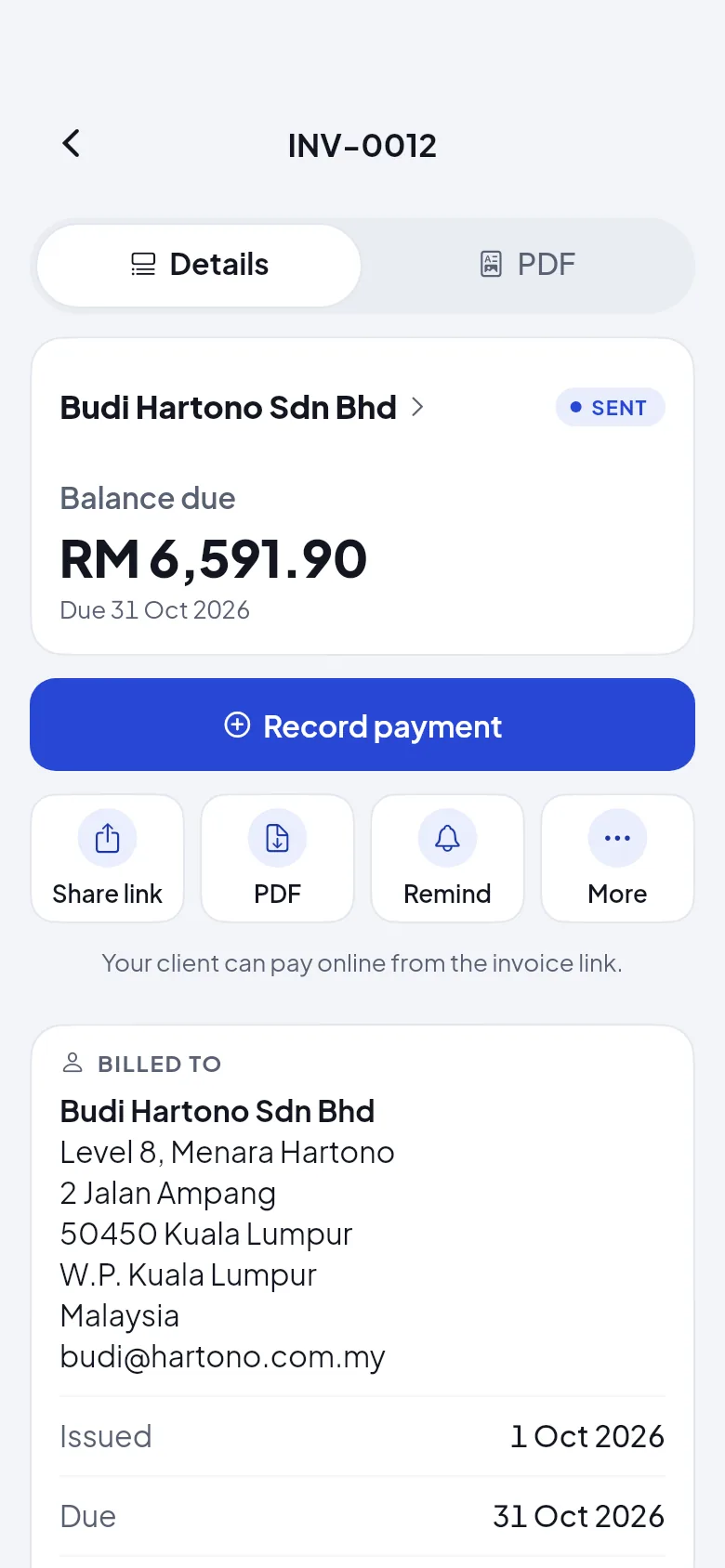
2Send invoices as usual
Each sent invoice gets a Pay online button, and its PDF a QR code to scan.
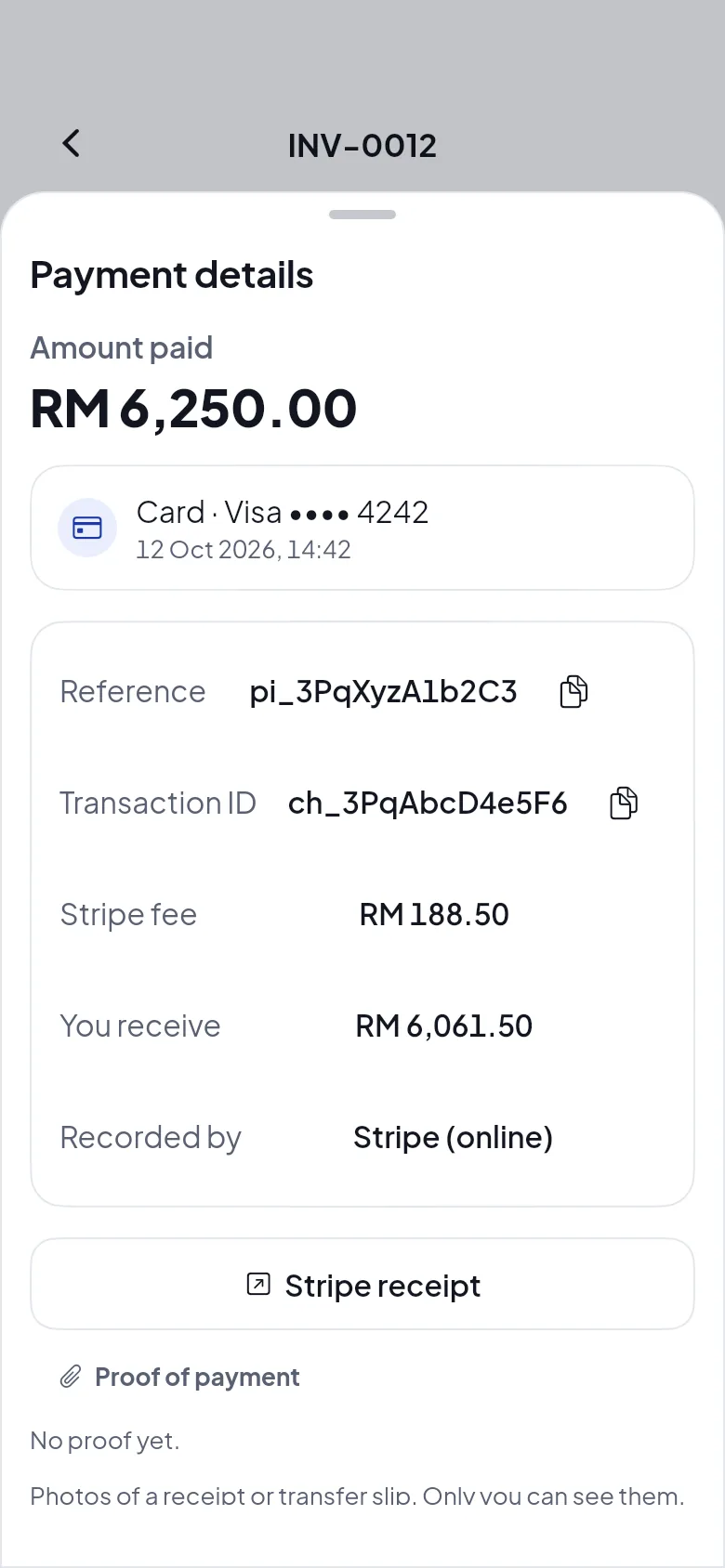
3It marks itself paid
You get a notification, and your client gets a receipt by email (you can turn it off).
Ways your clients can pay
Online through Stripe, or the way they always have. Every payment lands on the same invoice.
CardVisa, Mastercard and more, through Stripe.
FPX online bankingFrom any Malaysian bank's app.
GrabPayStraight from the Grab app.
Scan to payA QR code on the PDF opens the payment page.
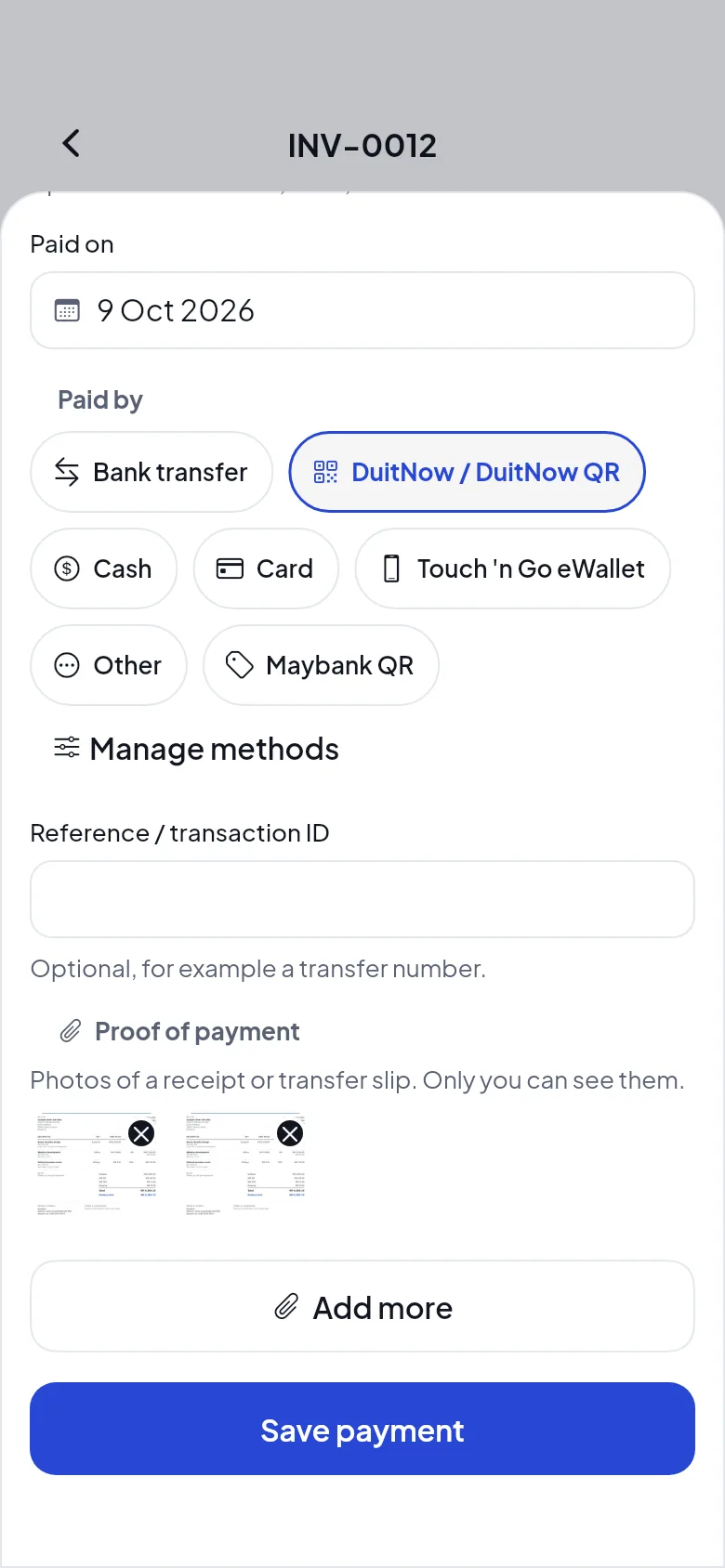
Transfer, DuitNow or cashRecord it with a photo of the slip.
Part paymentsDeposits and balances add up.
Money and fees
Plain and simple: HelloBill takes nothing from your payments.
- Money goes to
- Your own Stripe account, then your bank account. HelloBill never holds your money.
- HelloBill's fee
- None, on the Free plan and on Pro.
- Stripe's fee
- Stripe's standard fee for each payment, shown on every payment in the app.
- Refunds and disputes
- Handled in your Stripe account, under your agreement with Stripe.
- Your client never needs an account or an app to pay.
- Online payments work on every plan, including Free.
- Each payment shows Stripe's reference, the card or bank it came from, and the fee.
Send your first invoice today. It's free.
Download the app, add your business and your first client, and send an invoice in a minute. 20 invoices a month are free, for as long as you like.
No card needed. Works on iPhone and Android.